
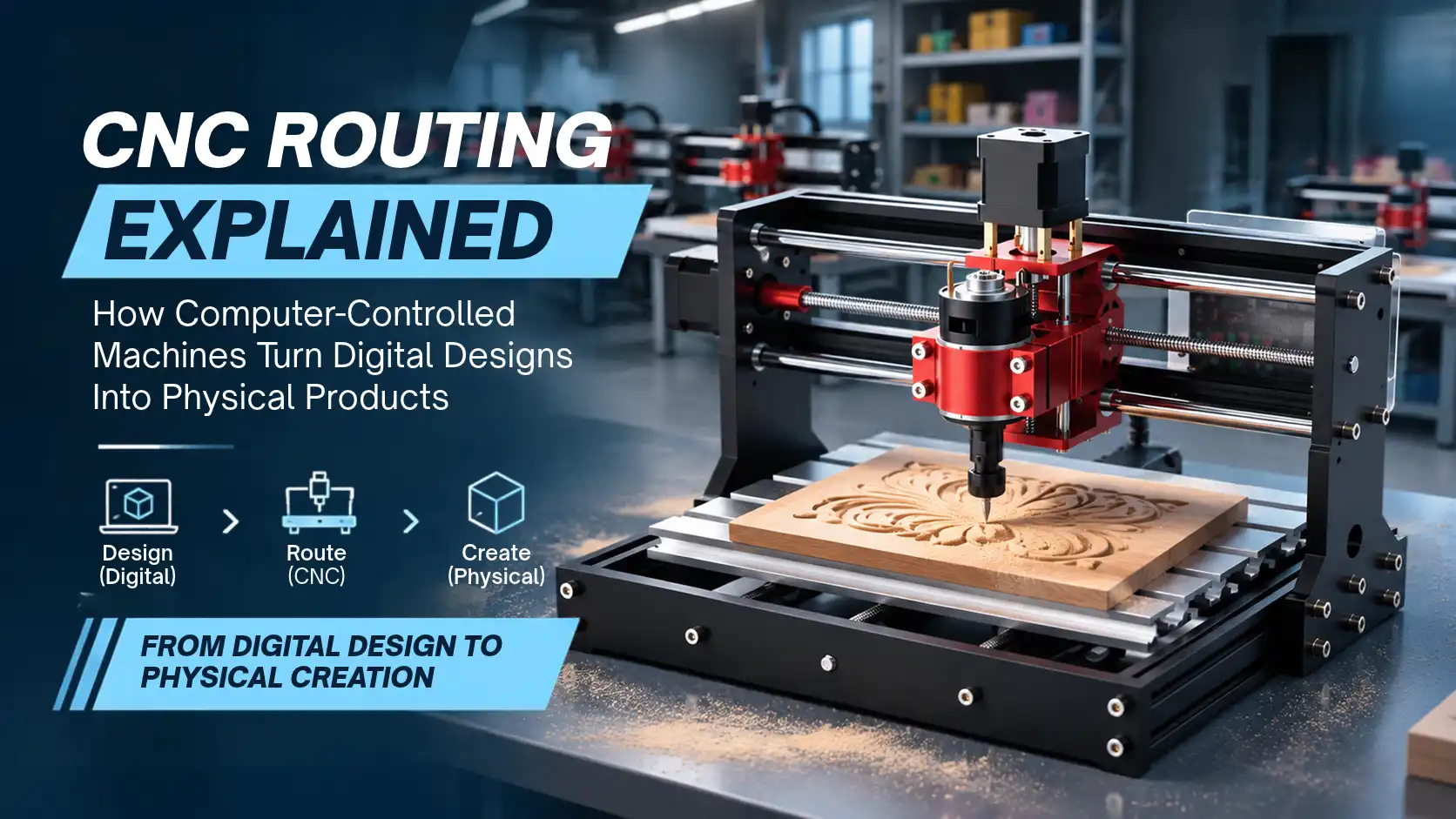
From custom furniture and decorative panels to industrial components, modern manufacturing increasingly relies on digital tools to turn ideas into physical products. One technology making this possible is CNC routing. It uses computer-controlled movements to cut, carve and engrave materials according to a digital design. But how does a CNC router understand a design and reproduce it on a physical surface? Let's explore the complete process, its components, applications and benefits.
What Is CNC Routing?
CNC routing stands for Computer Numerical Control routing. It is a manufacturing process in which a computer controls a cutting tool to remove material from a workpiece and create a specific shape or design.
Unlike manual routing, where an operator guides the tool by hand, a CNC router follows programmed instructions. As a result, it can reproduce designs with consistent movements and repeatable results.
Manufacturers use this technology for cutting, carving, engraving and shaping materials such as wood, acrylic and selected plastics. Depending on the machine's specifications, it can also work with certain metals.
How Does a CNC Routing Machine Work?
The process starts with a digital design and ends with a finished physical component. Each stage prepares the machine to follow the required cutting path.
Step 1: Creating a Digital Design
First, the designer creates a 2D drawing or 3D model using Computer-Aided Design (CAD) software. This design defines the product's dimensions, shape, curves and other details.
For example, a furniture designer can create a digital layout for a cabinet door or decorative wooden panel before manufacturing it.
Step 2: Converting the Design into Toolpaths
Next, Computer-Aided Manufacturing (CAM) software converts the design into toolpaths. These paths determine how the cutting tool will move across the material.
At this stage, the operator selects suitable cutting tools and configures parameters such as cutting depth, feed rate and spindle speed.
Step 3: Generating G-code
Once the toolpaths are ready, the CAM software generates G-code. This is a set of machine-readable instructions that tells the CNC router where to move, how fast to operate and when to perform specific actions.
In simple terms, G-code acts as the instruction set that connects the digital design with the machine's movements.
Step 4: Setting Up the Machine
Before machining begins, the operator places the material on the worktable and secures it using suitable workholding methods. They also select the correct router bit and configure the machine settings.
Proper setup helps maintain stability and reduces the risk of material movement during cutting.
Step 5: Cutting and Finishing
Finally, the controller interprets the G-code and guides the machine's movements. The spindle rotates the cutting tool, which follows the programmed toolpath to remove material.
After cutting, the operator may perform finishing operations such as sanding, cleaning or edge treatment to achieve the desired result.
Main Components of a CNC Router
A CNC routing machine combines several components to perform controlled cutting operations.
Spindle: Rotates the cutting tool at the selected speed.
Cutting tool or router bit: Removes material to create the required shape or surface.
Gantry and axes: Guide the cutting tool across the work area.
Worktable: Supports the material during machining.
Controller: Reads machine instructions and coordinates movement.
Motors and drive system: Move the machine along its axes according to programmed commands.
Together, these components help the machine reproduce digital designs through controlled movements.
What Materials Can CNC Routers Work With?
CNC routers can process different materials, although compatibility depends on the machine's construction, spindle power, tooling and cutting parameters.
Common materials include:
Wood and plywood: Used for furniture, cabinetry, decorative panels and custom designs.
MDF: Suitable for furniture components, display boards and interior applications.
Acrylic and selected plastics: Used for signage, display products and product components.
Foam: Used for models, prototypes and selected shaping applications.
Aluminium and other suitable soft metals: Can be machined on compatible routers with appropriate rigidity, tooling and cutting settings.
However, not every CNC router can handle every material. Always check the machine's specifications before selecting a material or planning a machining job.
Common Applications of CNC Routing
CNC routing serves several industries because it can produce repeatable shapes and customised components.
1. Furniture and Woodworking
Furniture manufacturers use CNC routers to cut cabinet panels, create decorative patterns and produce custom furniture components. The technology also helps workshops repeat designs across multiple pieces.
2. Signage and Advertising
Sign makers use CNC machines to cut letters, logos, display boards and decorative elements. They can also create engraved designs for different promotional applications.
3. Product Design and Prototyping
Product designers use CNC routing to create prototypes, enclosures and physical components. This allows them to evaluate dimensions, fit and design details before moving towards production.
4. Industrial and Commercial Manufacturing
Manufacturers use CNC routers to produce fixtures, templates, panels and selected machine components. Their ability to follow programmed toolpaths makes them useful for customised and repeat manufacturing tasks.
Benefits of CNC Routing
CNC routing offers several advantages for workshops and manufacturing businesses.
Consistent production: Programmed movements help reproduce the same design across multiple jobs.
Accurate cutting: Suitable machine configurations can produce detailed cuts and engravings.
Complex designs: CNC routers can follow intricate toolpaths that may be difficult to reproduce manually.
Reduced manual effort: Automation reduces the need for operators to guide every cutting movement.
Custom manufacturing: Users can modify digital designs to produce different shapes and components.
Repeatable workflows: Saved programs make it easier to run similar jobs again.
However, the final result still depends on machine quality, setup, tooling, material and operator experience.
CNC Routing vs Laser Cutting
CNC routing and laser cutting both use digital instructions to process materials. However, they use different methods.
Therefore, neither technology is universally better. The right choice depends on the material, required cutting depth, design complexity and finish.
How to Choose the Right CNC Router
Choosing a CNC router starts with understanding the work you plan to perform. Consider the following factors before making a decision:
Working area: Ensure the machine can accommodate your material dimensions.
Spindle power: Match the spindle to the materials and cutting operations.
Machine rigidity: A stable structure supports consistent machining.
Number of axes: Select the configuration according to the complexity of your designs.
Material compatibility: Check which materials the machine can process.
Software and controller support: Make sure the workflow suits your design and production requirements.
Intended application: Consider whether you need the machine for hobby projects, a workshop or commercial production.
Rather than choosing a machine based on spindle power alone, evaluate its complete specifications against your actual requirements.
Explore CNC Routing Machines at 3Idea
Looking to explore CNC machines for your workshop or business? Visit 3Idea's CNC machine category to discover available solutions for different cutting, carving and manufacturing applications.
Frequently Asked Questions
1. What is CNC routing used for?
Ans:- CNC routing is used for cutting, carving, engraving and shaping materials such as wood, MDF, acrylic and selected plastics.
2. How does a CNC router convert a digital design into a physical object?
Ans:- CAD creates the design, CAM generates toolpaths, G-code provides machine instructions, and the router follows those instructions to cut the material.
3. What materials can a CNC router cut?
Ans:- Depending on its specifications, a CNC router can process wood, MDF, plywood, acrylic, foam, selected plastics and certain metals.
4. Is CNC routing suitable for beginners?
Ans:- Entry-level CNC routers can suit beginners, although users need basic design, software, machine setup and safety knowledge.
5. What is the difference between CNC routing and CNC milling?
Ans:- Both use computer-controlled cutting tools, but CNC milling machines generally have more rigid construction and suit a wider range of demanding machining operations.
6. Is CNC routing better than laser cutting?
Ans:- Neither is always better. CNC routing suits physical cutting and carving, while laser cutting suits compatible materials and applications requiring laser-based cutting or engraving.
Conclusion
CNC routing transforms digital designs into physical products through a structured process involving CAD, CAM, G-code and automated machining. From woodworking and signage to prototyping and manufacturing, it supports a wide range of applications. Explore CNC machines at 3Idea to find equipment suited to your production requirements.
Explore more at 3Idea: