A laser engraver can transform a creative hobby into a viable business, or a workshop bottleneck into a production line. But it is also one of the easiest equipment purchases to get wrong. Buyers regularly over-spec, under-spec, or pick a technology that does not match the materials they actually plan to work with.
This guide walks through the factors that genuinely matter when you buy a laser engraver: power, technology type, materials, software, safety, and total cost of ownership. By the end you will know how to choose the best laser engraving machine for your specific application.
Why the Right Laser Engraver Matters
A laser engraver is a multi-year investment, not a quick purchase. The wrong machine will either limit the materials you can serve or drive operating costs through the roof. The right machine, by contrast, becomes the workhorse around which an entire product line can be built.
The factors below are what separate a smart purchase from an expensive lesson.
What to Look For When Buying a Laser Engraving Machine
Before comparing models, get clear on three things:
• Primary use case. Will you engrave wood, leather, acrylic, glass, or metal? Each material has a preferred laser type.
• Workspace. Bigger machines need ventilation, a stable surface, and a dedicated power supply. Compact diode machines fit on a desk; industrial CO2 systems need a room.
• Production volume. Hobbyist use, low-volume custom orders, and continuous production each suggest different machine classes.
Get these answers right and the rest of the buying decision falls into place.
Types of Laser Engraving Machines
There are three main laser technologies you will encounter:
• CO2 lasers. Best for non-metals, wood, acrylic, leather, paper, fabric, glass etching. The most common choice for gift-and-customisation businesses.
• Fibre lasers. Designed for metals, stainless steel, aluminium, brass, anodised surfaces, and for industrial part marking.
• Diode lasers. Compact, affordable, beginner-friendly. Ideal for low-power wood and leather work, but slower and limited in material range.
Choosing the right technology is the single biggest decision in the buying process. Mismatched technology and material is the most common buyer’s regret.
Desktop vs Industrial Laser Engraver
Desktop machines (diode, compact CO2) are ideal for hobbyists, startups, and small-batch custom work. They are affordable, easy to set up, and fit a home workshop or studio.
Industrial machines (high-wattage CO2, fibre) are built for continuous production, larger workpieces, and tougher materials. They demand more space, more power, and more rigorous safety setup, but they pay back through throughput.
A diode laser is a great way to test a market without overcommitting; once orders are stable, you can scale up to a CO2 or fibre machine.
How to Choose the Right Laser Engraver for Your Business

A practical decision framework:
1. Define your material mix. Wood and acrylic? CO2. Stainless and aluminium? Fibre. Casual leatherwork? A diode is enough.
2. Estimate your monthly orders. Below ~50 orders, a desktop machine handles it. Above 200, look at industrial-class systems.
3. Plan for upgrades. Choose a brand with a strong India service network and spare parts ecosystem, replacement lenses, laser modules, controller boards.
4. Match the software. Make sure your slicer or design software (LightBurn, CorelDRAW, RDWorks, Adobe Illustrator) is officially supported.
Get all four right and you have a machine that will last 5–7 years of daily use.
Which Laser Engraver Is Best for Beginners?
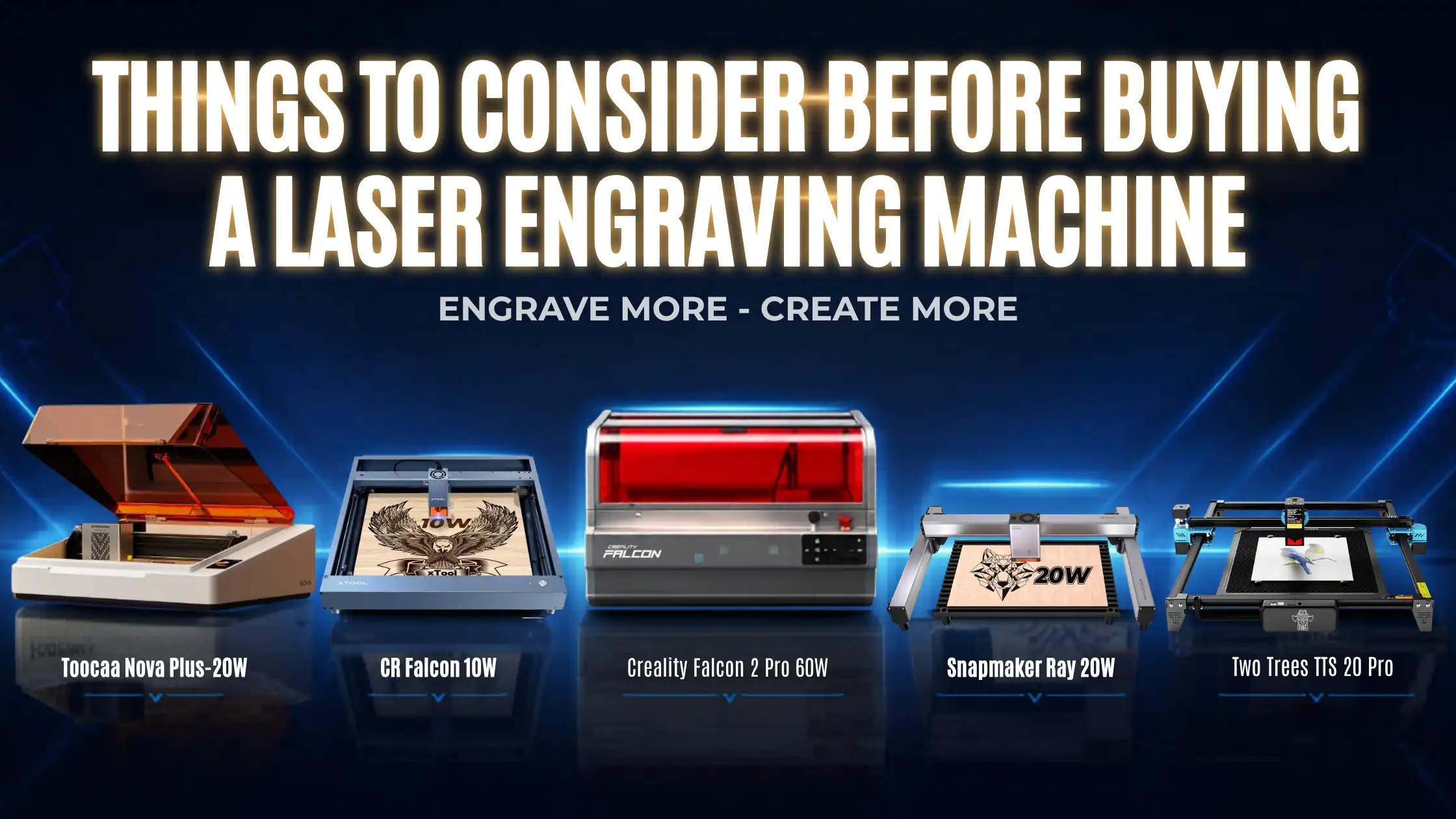
For most first-time buyers, a diode laser or entry-level CO2 (~40–60 W) is the sweet spot. Both are affordable, beginner-friendly, and require minimal calibration. The Creality Falcon2, available on 3idea, is one of the most popular starting points for makers and small businesses alike, it balances power, footprint, and ease of use.
Start small, learn the workflow, and reinvest profits into a more capable machine when demand justifies it.
Budget and Pricing in India
Realistic price brackets for a new laser engraver in India:
• Diode lasers: ?30,000 – ?1,00,000
• Entry-level CO2 (40–60 W): ?1,00,000 – ?3,00,000
• Industrial CO2 (80–150 W): ?3,00,000 – ?8,00,000
• Fibre lasers (20–50 W): ?4,00,000 and up
• Hybrid / multi-function systems (e.g. Snapmaker): ?1,50,000 and up
Cheaper machines often cut corners on the laser tube life, controller board, or safety enclosure. Spending an extra 15–20% upfront typically saves multiples of that later. Explore current laser engraver options on 3idea: https://www.3idea.in/products/laser-engraver.
How Much Laser Power Do You Need?
Laser wattage decides how fast you can engrave and how deeply you can cut. Some rough guidance:
• 5–10 W diode: light engraving on wood, leather, and dark plastics
• 40–60 W CO2: general-purpose engraving and cutting up to 5–8 mm wood
• 80–150 W CO2: production engraving and cutting up to 15+ mm wood/acrylic
• 20–50 W fibre: metal engraving, deep marking, and industrial part marking
Higher power is not always better, it adds cost, footprint, and operating expense. Right-size to your real workload.
Best Laser Engraving Machine for Wood and Metal
If you need a single machine that handles both, look at hybrid options like the Snapmaker multi-function systems (3D print + laser + CNC). For specialised production:
• Wood / acrylic / leather: CO2, Creality Falcon2 or Snapmaker laser modules
• Metal: fibre laser, choose based on wattage and bed size
3idea stocks both classes, explore the range and match the machine to the material.
Safety Features You Should Not Compromise On
Lasers are eye and fire hazards. The non-negotiable safety features:
• Enclosed working area with interlock-protected lid
• Emergency stop button
• Fume extraction or external exhaust
• Laser safety goggles for the specific wavelength of your machine
• Fire-safe environment with extinguisher within reach
Skipping any of these is the single fastest route to a workplace accident or insurance dispute.
Software Compatibility for Laser Engravers
Most modern engravers work with LightBurn (the industry-favourite), CorelDRAW, Adobe Illustrator, or the manufacturer’s own software. Before buying, confirm three things:
• The machine has an official LightBurn driver (the easiest workflow for most users)
• Your existing design files (SVG, AI, DXF) import cleanly
• Firmware updates are supported by the manufacturer
A great machine paired with bad software is a daily frustration. Get the pairing right.
Maintenance and Cost of Ownership
The recurring costs to factor in:
• Laser tube replacement (CO2): every 18–36 months depending on use
• Lens cleaning and replacement: every few months
• Cooling and ventilation maintenance
• Electricity: higher-wattage machines noticeably increase running cost
Buy from a seller (like 3idea) that holds spare parts in India, you will save weeks of downtime over the machine’s life.
Common Mistakes When Buying a Laser Engraver
The most expensive mistakes buyers make:
• Optimising only on price. A ?40,000 machine that cannot do your core material is more expensive than a ?1,20,000 machine that can.
• Ignoring spare-parts availability in India. Imported-only spares add weeks of downtime.
• Underestimating ventilation. Many imported machines need exhaust setups that buyers only realise after delivery.
• Skipping safety equipment. Goggles and enclosures are not optional.
A little research upfront prevents months of regret.
Conclusion
Buying a laser engraver is fundamentally about matching the machine to your materials, volume, and budget, and choosing a seller that will support you over the machine’s life. Don’t rush. Compare laser type, power, software, safety, and spare-part ecosystem before signing the invoice.
Explore laser engravers from leading brands on 3idea Technology: https://www.3idea.in/products/laser-engraver
With the right machine, a laser engraver becomes one of the most versatile, profitable tools in a modern workshop.