
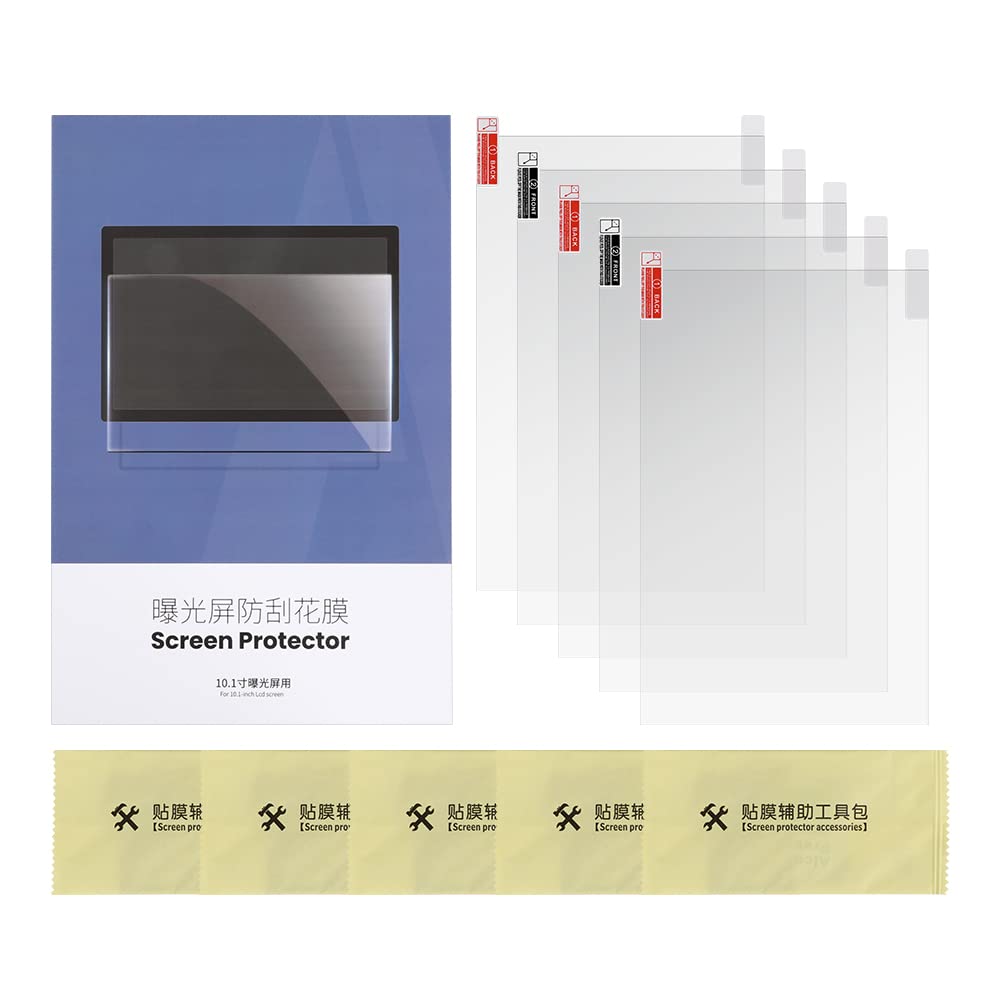
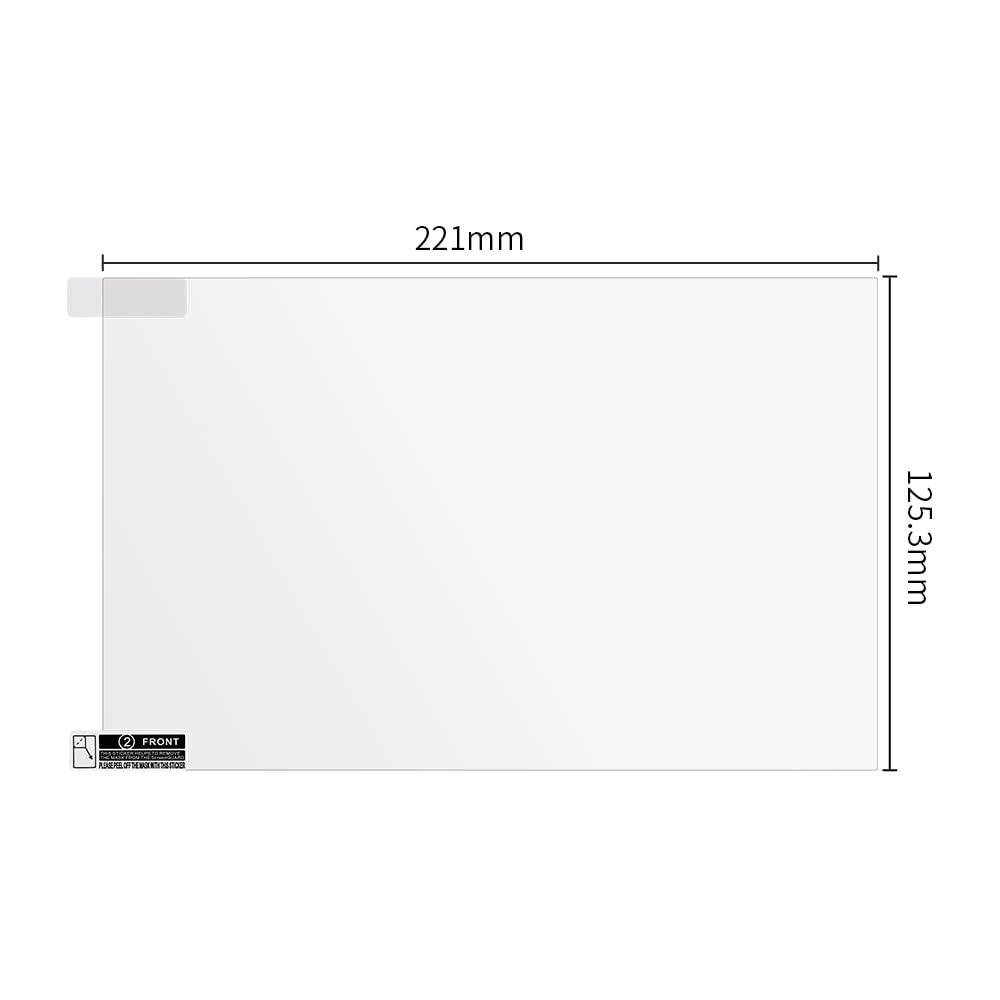

Screen Protector for Photon M3 Premium ( 5Pcs)
₹959.00
Screen Protector for Photon M3 Premium ( 5Pcs)
Product Features
• Installation of Soft Screen Protector
• 1. Tear off the stained screen protector and clean the curing screen with tool kit.
• A. Wipe screen with alcohol prep pad
• B. Wipe screen with a dry wipe
• C. Use dust absorber to remove fine dust.
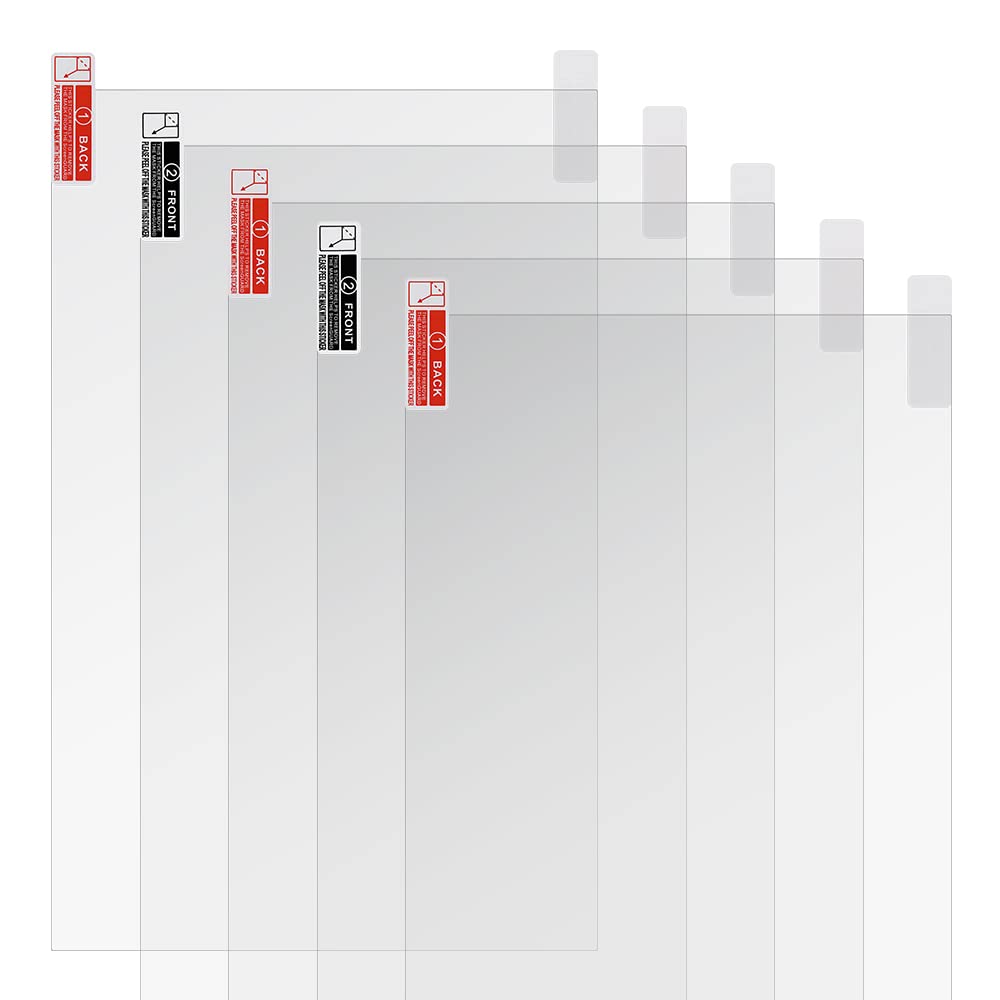
• 2. Peel off the backing of the screen protector. Align the protector with edge of screen and stick it from one end to the other with plastic scraper. Get the installation carefully with out air bubbles.
• 3. Use plastic scraper to remove remaining bubbles by pushing each bubble to the edge of screen slightly. Smooth down the protector and peel off the front cover to finish.
- 29%
Check Delivery & Services
Estimated delivery time 4-5 business days
Free shipping on All orders
Cash on Delivery For orders above ₹1500
EMI Available on all products
Guarantee Safe Checkout:


Unboxing, Warranty & Service Policy
Unboxing Video Requirement
Customers are strongly advised to record a complete and continuous unboxing video immediately upon receiving the product.
Mandatory in case of:
- Transit damage
- Missing parts
- Incorrect product delivery
The unboxing video helps us validate claims and obtain approval from the manufacturer, ensuring faster resolution.
Original Packaging Mandatory
For any under-warranty repair or in-house service, the product must be shipped only in its original packaging.
Includes all foam, supports, and protective materials provided at delivery.
Warranty Limitation
Without original packaging, the following may apply:
- Warranty may be void
- Transit damage not covered
3Idea Technology Ltd. is not responsible for transit-related damages in these cases.
Transportation Responsibility
The customer is solely responsible for ensuring the product is properly packed and safely shipped.
Follow manufacturer guidelines to prevent damage during transit.
Important Note:
Failure to comply with the above guidelines may result in rejection of warranty claims or chargeable repairs. Please ensure all safety protocols are followed.