
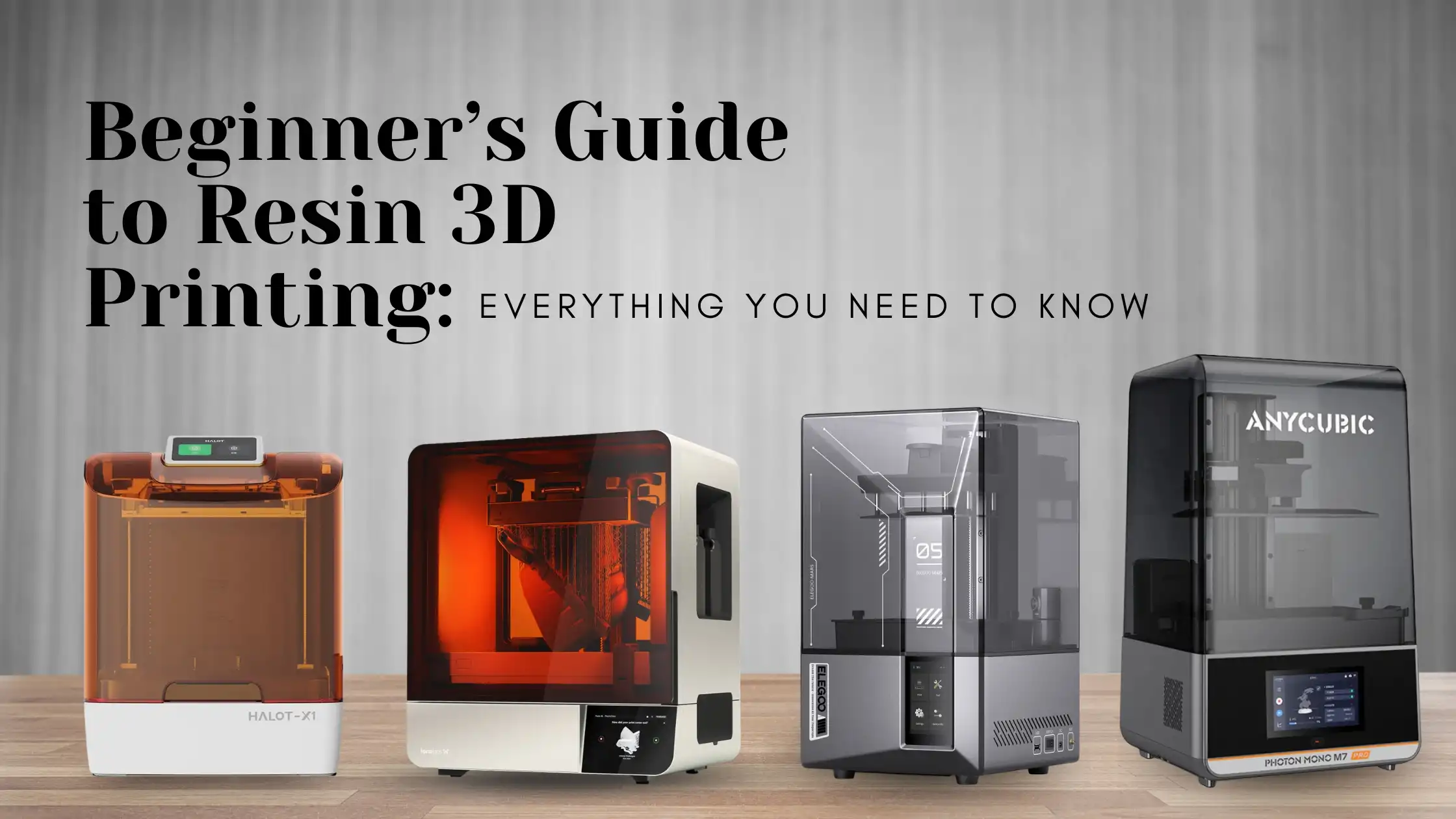
Resin 3D printing has moved from a niche enthusiast technology to one of the most accessible high-detail manufacturing methods available. With sub-?40,000 machines now offering print quality that rivals industrial systems from five years ago, resin printing has become an obvious next step for FDM users — and for many beginners, an excellent starting point in its own right.
This complete resin 3D printing guide walks through the technology, the equipment you need, the settings that matter, and the safety practices that keep you working productively for years. By the end you will be confident enough to start your first resin print.
What Is Resin 3D Printing?
Resin 3D printing uses liquid photopolymer and ultraviolet light to build objects layer by layer. Unlike FDM (which melts plastic filament), resin printing cures liquid resin selectively, hardening it into a solid through a process called photopolymerisation.
The result is exceptional detail and surface finish. Where FDM produces visible layer lines, resin prints come off the build plate with smooth, almost moulded-looking surfaces. That makes the technology ideal for miniatures, dental models, jewellery prototypes, and high-detail engineering parts.
How to Start Resin 3D Printing at Home
A clean, organised, well-ventilated workspace is the foundation. Liquid resin has a distinct smell and demands a few precautions, so set up properly from day one.
The four essentials:
1. A dedicated, ventilated workspace — ideally a separate room or balcony enclosure
2. The right hardware — printer, wash unit, and curing station
3. Quality resin — entry-level resins are fine for learning; switch to specialist resins (tough, flexible, dental) for production
4. Slicer software — most beginners start with the printer manufacturer’s slicer (Chitubox, Lychee, or the OEM tool)
With these in place you can run your first print within an hour of unboxing.
Essential Equipment for Resin Printing
A complete beginner setup includes:
- Resin printer — entry-level MSLA machines like the Elegoo Mars series (available on 3idea) are the most popular starting point
- Wash and cure station — these clean and post-cure parts in one device
- Nitrile gloves and safety goggles — never handle liquid resin barehanded
- Isopropyl alcohol (IPA), 91%+ — for washing prints
- Paper towels and a silicone mat — for catching drips
- A storage container for used resin and IPA
Skipping any of these — especially safety gear — turns a great hobby into a frustrating one. Treat the equipment list as non-negotiable.
For your first machine, look at the best resin 3D printer for beginners: Elegoo Mars or Saturn series for entry-level users; Saturn 4 Ultra if you want production-grade detail from day one. Both are available on 3idea with India warranty and after-sales support.
How Resin 3D Printing Works
The most common consumer resin technology is MSLA (Masked Stereolithography). Older systems use SLA (laser-based) or DLP (Digital Light Processing). All three work on the same principle — UV light selectively cures liquid resin layer by layer — but the light source differs.
In an MSLA printer:
1. The build plate descends into a vat of liquid resin until only a thin layer of resin sits between the plate and the bottom of the vat.
2. An LCD mask blocks UV light everywhere except the cross-section of the current layer.
3. A UV light source cures the exposed resin into solid plastic.
4. The build plate lifts, peeling the cured layer off the FEP film at the bottom of the vat.
5. The process repeats — one layer at a time — until the print is complete.
The print emerges hanging from the build plate, dripping uncured resin. From there it goes to wash, then cure, then finishing.
Step-by-Step Resin Printing Process
A structured workflow makes everything repeatable.
1. Slice the model. Open your STL in the slicer, orient at an angle (usually 30–45°), and generate supports. Orientation matters more in resin than in FDM — bad orientation almost guarantees print failure.
2. Fill the vat. Pour resin into the vat carefully, avoiding splashes. Don’t overfill — most vats have a max line.
3. Run the print. Start the print and check the first 5–10 layers stick to the build plate cleanly. If they don’t, abort and re-level.
4. Remove the print. When the print finishes, remove the build plate carefully (resin will drip). Detach the print using a metal scraper.
5. Wash. Submerge the print in 91%+ isopropyl alcohol for 3–5 minutes. A wash station automates this.
6. Cure. Place the washed print in a UV curing station for 2–10 minutes depending on resin and size.
7. Finish. Remove supports, sand, prime, and paint as needed.
This is the foundation of every resin print. Master it and the rest is refinement.
Best Resin 3D Printer for Beginners
The right first machine matters. Beginner-friendly features to look for:
- 4K or higher mono LCD
- Built-in resin level sensor
- Active resin smell mitigation (charcoal filter or sealed enclosure)
- Strong slicer support (Chitubox, Lychee)
- Reliable spare-parts availability in India
Two solid starting points stocked on 3idea: the Elegoo Mars 5 Ultra for compact entry-level work, and the Elegoo Saturn 4 Ultra if you want larger build volume and faster speeds out of the gate.
Resin Printing Tips for Beginners
Hard-earned lessons that save the most time:
- Always level the build plate before a major print. Bad levelling is the single biggest cause of first-layer failure.
- Use the manufacturer’s recommended exposure settings as a starting point. Tune from there.
- Add more supports than you think you need. Failed prints waste resin, time, and patience.
- Print a test piece (the standard ACSF resin test or the AmeraLabs Town) before committing to a long print.
- Filter resin before pouring back into the bottle. Stray cured fragments will ruin future prints.
These habits are what separate consistent printers from frustrated ones.
Why Resin Prints Fail — and How to Fix Them
The most common failure modes and their fixes:
- Print does not stick to the build plate. Re-level, increase bottom-layer exposure time, and ensure the vat FEP film is clean.
- Layers separating mid-print. Increase exposure time slightly; check for stale or contaminated resin.
- Prints stuck to the FEP, not the build plate. Adjust orientation, add more supports, and reduce lift speed.
- Soft, warped, or sticky prints. Insufficient curing — increase post-cure time.
A reliable troubleshooting workflow turns most “ruined” prints into learning opportunities.
Safety Tips for Resin 3D Printing
Resin is photoreactive plastic in liquid form. Treat it accordingly:
- Always wear nitrile gloves when handling liquid resin or wet prints.
- Avoid skin contact completely. Repeated exposure causes allergies.
- Wear safety goggles when pouring resin or working close to UV light.
- Work in a well-ventilated area. A window fan or extraction hood is ideal.
- Dispose of waste resin and IPA correctly. Cure waste resin to solid form before disposal never pour liquid resin down the drain.
Strict safety from day one is what separates a productive resin printer from one whose hobby ends after their first allergic reaction.
Maintenance and Cleaning
Routine maintenance for consistent results:
- Clean the vat after each long print, or between resin colours/types
- Inspect the FEP film for cloudiness or tears, replace every few hundred print hours
- Wipe down the LCD screen and UV source monthly
- Check build plate flatness every few weeks
A well-maintained resin printer is shockingly reliable. A neglected one is an endless string of failures.
Advantages of Resin 3D Printing
Why creators are increasingly adding a resin printer next to their FDM machine:
- Superior detail and surface finish — no visible layer lines
- Excellent for small, intricate parts — miniatures, jewellery, dental
- Faster for small batches of small parts than FDM
- Better mechanical accuracy for prototypes with tight tolerances
For functional parts at scale, FDM still wins. For detail, resin is unmatched.
Conclusion
Resin 3D printing is one of the most rewarding hobbies — and increasingly, businesses — in the additive manufacturing space. The technology is mature, the machines are affordable, and the print quality is genuinely industrial.
Start with the right printer, treat safety seriously from day one, and follow the workflow carefully. Within a few weeks of consistent practice you will be producing prints that look indistinguishable from professional output.
Explore beginner-friendly resin printers from Elegoo, Anycubic, and other top brands on 3idea Technology: https://www.3idea.in/products/3d-printers
Now you are ready to begin your resin 3D printing journey with confidence.